Lejit CRM

Web-based App

UI/UX DESIGNER WORDPRESS DEVELOPER
Client
Lejit
Date
2025
Role
UI/UX
01 - BACKGROUND

An integrated CRM platform for efficient, organized, and profitable sales management.

LEJIT is a Customer Relationship Management (CRM) platform designed to help service-based businesses organize and optimize their sales processes more effectively. The system focuses on improving productivity, efficiency, and profitability by streamlining sales activities in a structured and centralized way.

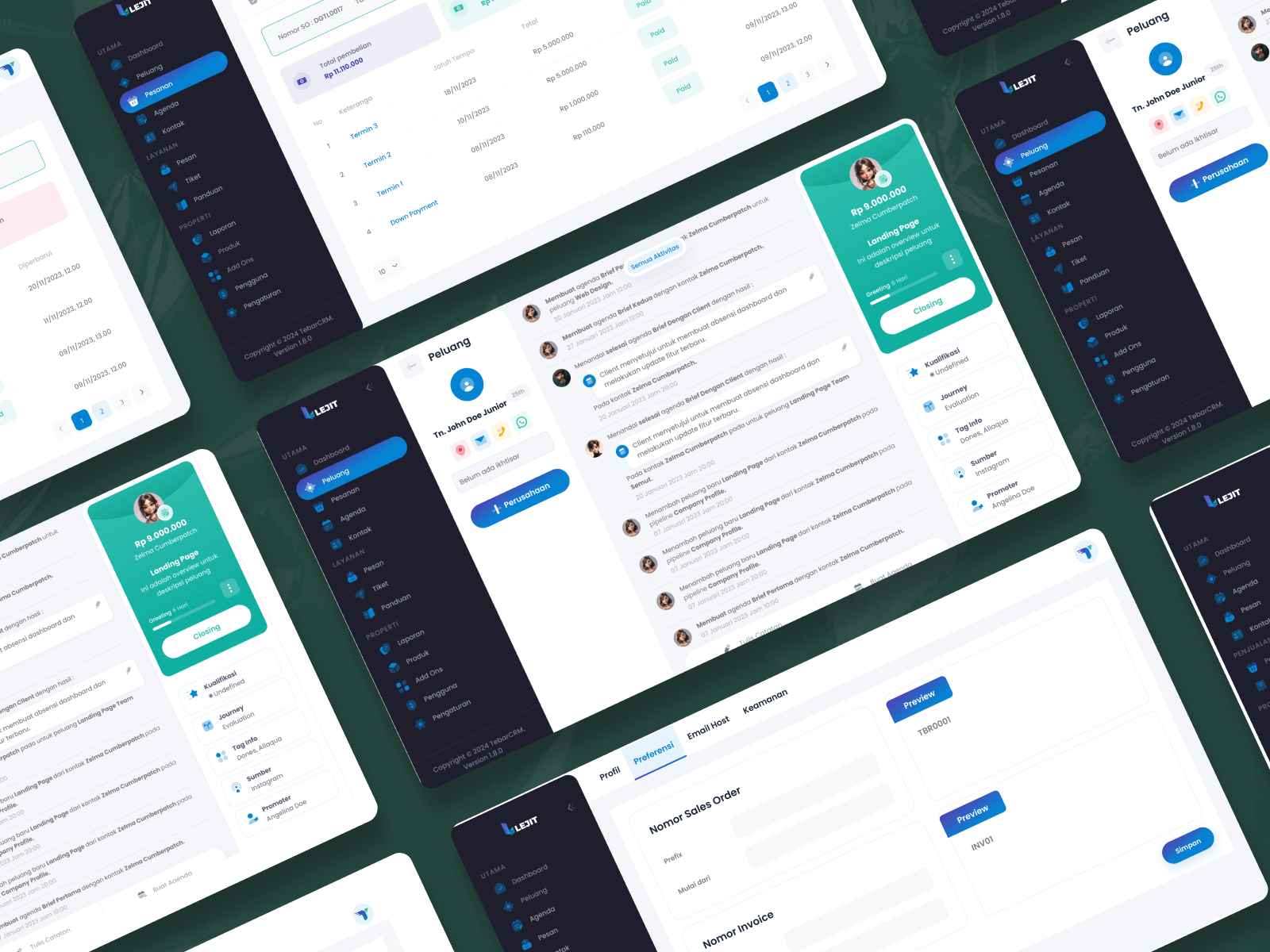
To support daily sales operations, LEJIT provides an integrated CRM solution that centralizes customer data, leads, sales pipelines, and transaction tracking within a single platform. This enables businesses to manage sales activities accurately, consistently, and in a more organized manner.

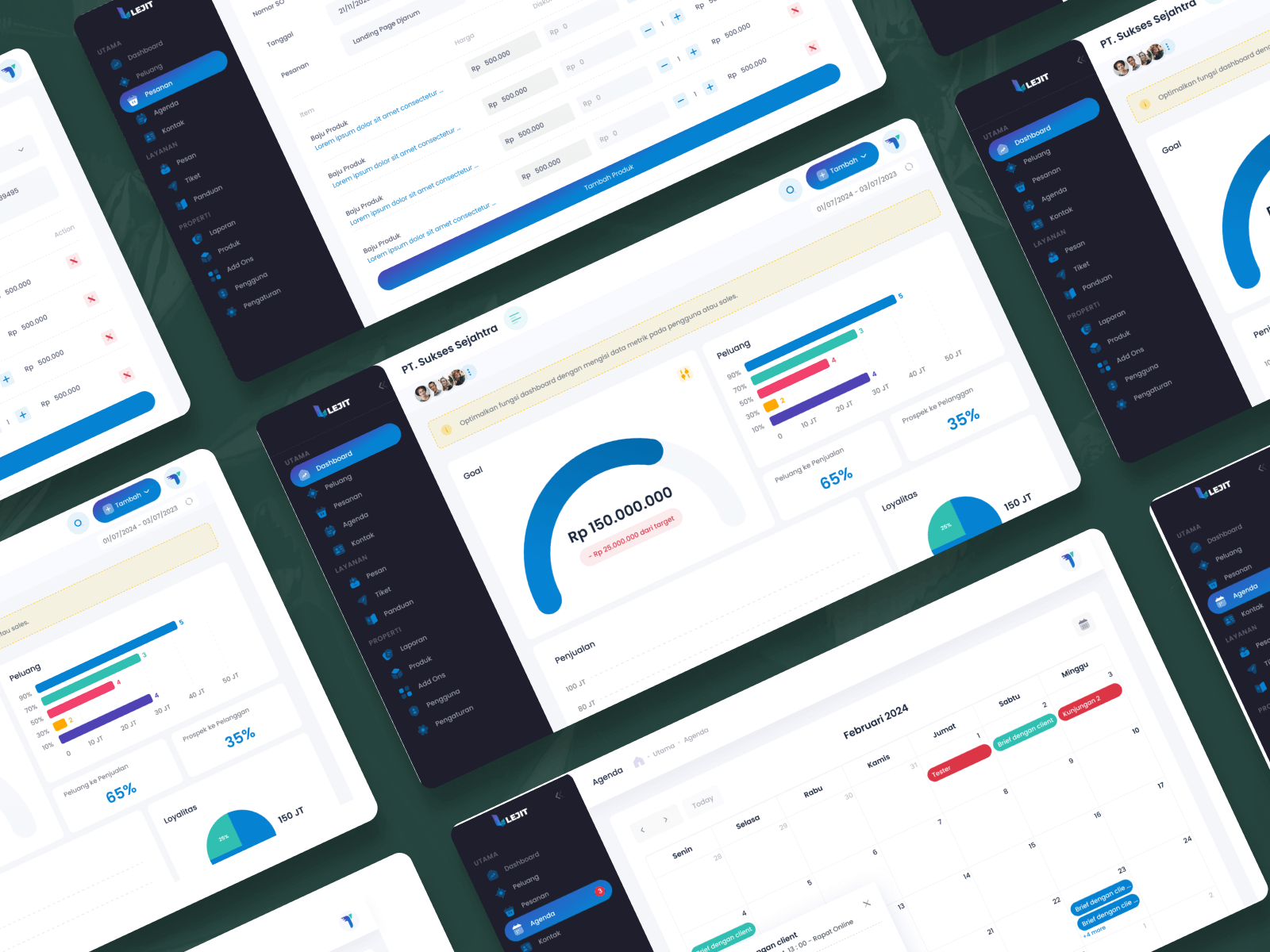
Through the LEJIT dashboard, users can monitor sales performance, track leads and opportunities, manage customer relationships, and analyze sales data in real time. This CRM helps businesses improve sales efficiency, increase conversion rates, and gain better control and visibility over their sales operations.

02 - THE BRIEF

Enhancing an existing system by adjusting designs and adding key modules based on business requirements.

From this brief, I worked on adjusting and enhancing the existing design based on requirements provided by the business analyst to better support business workflows and user needs.

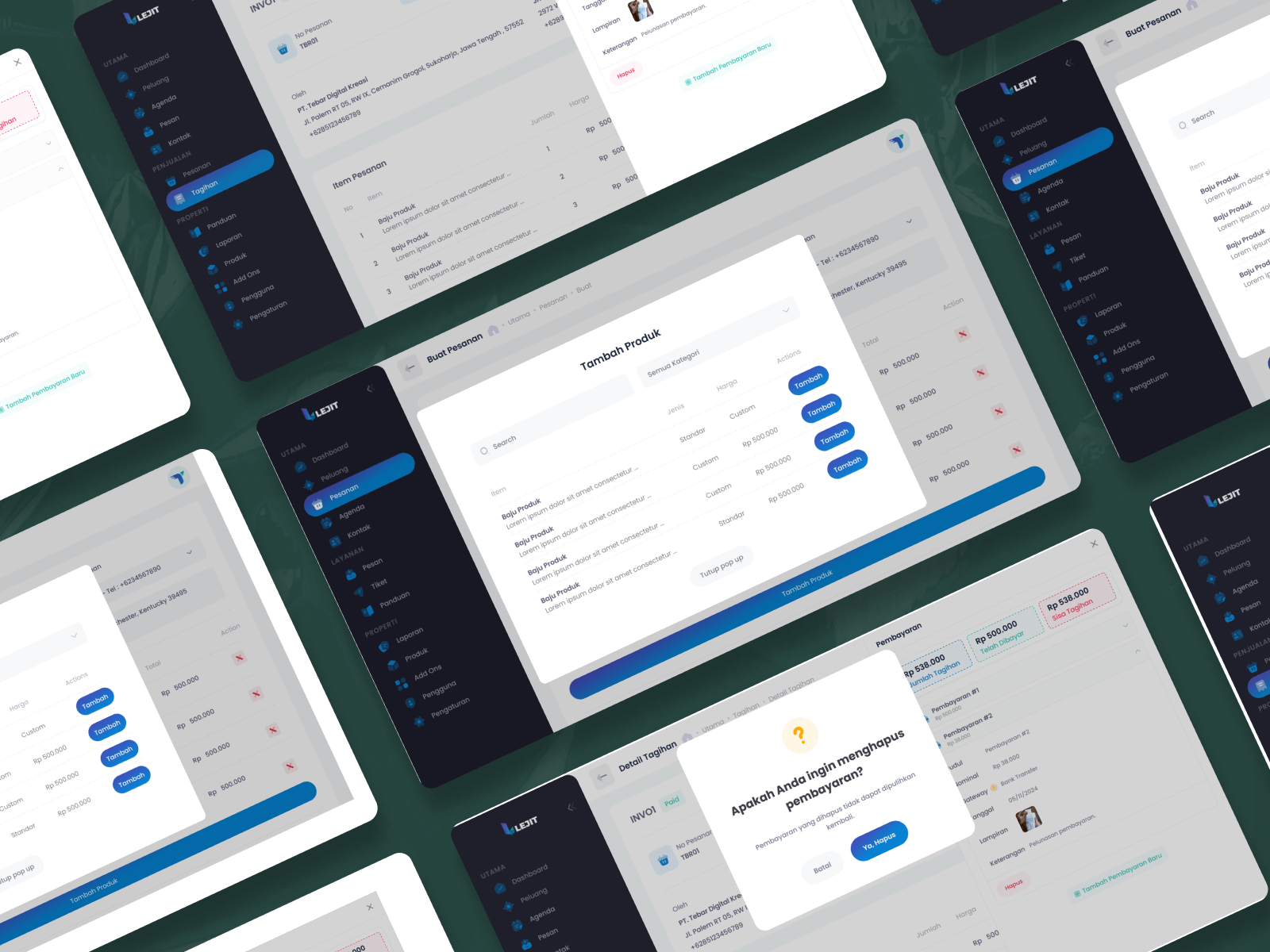
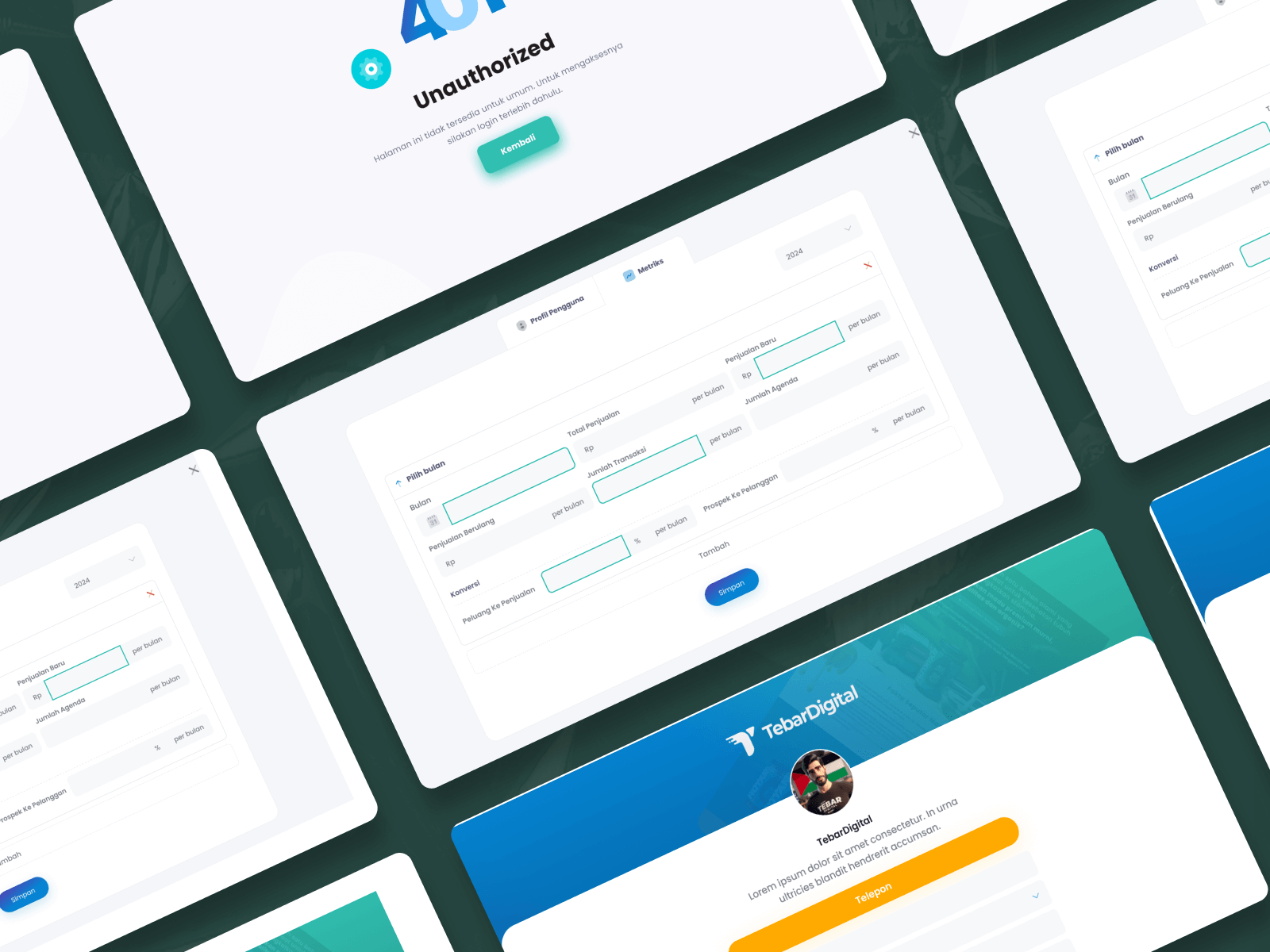
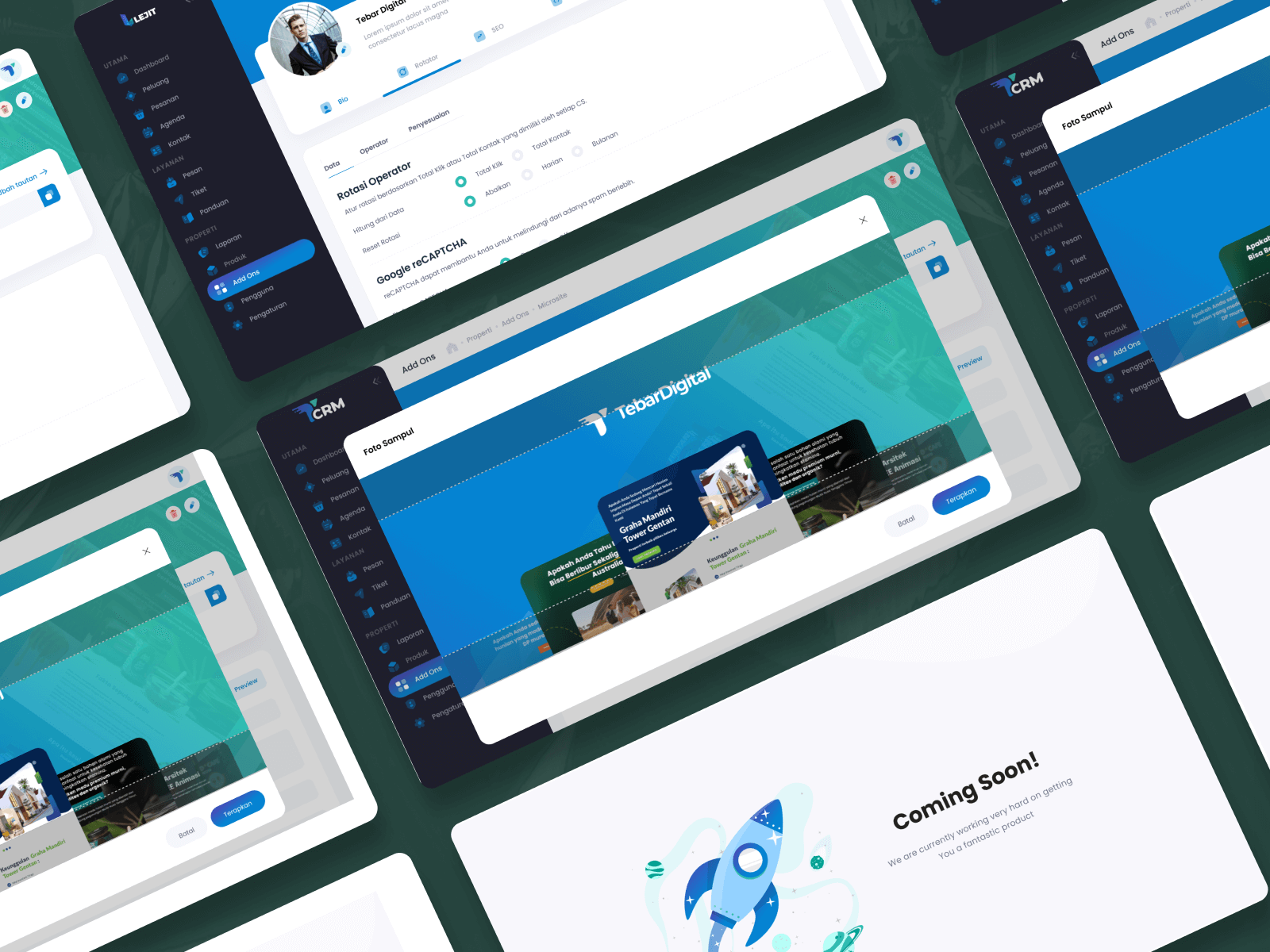
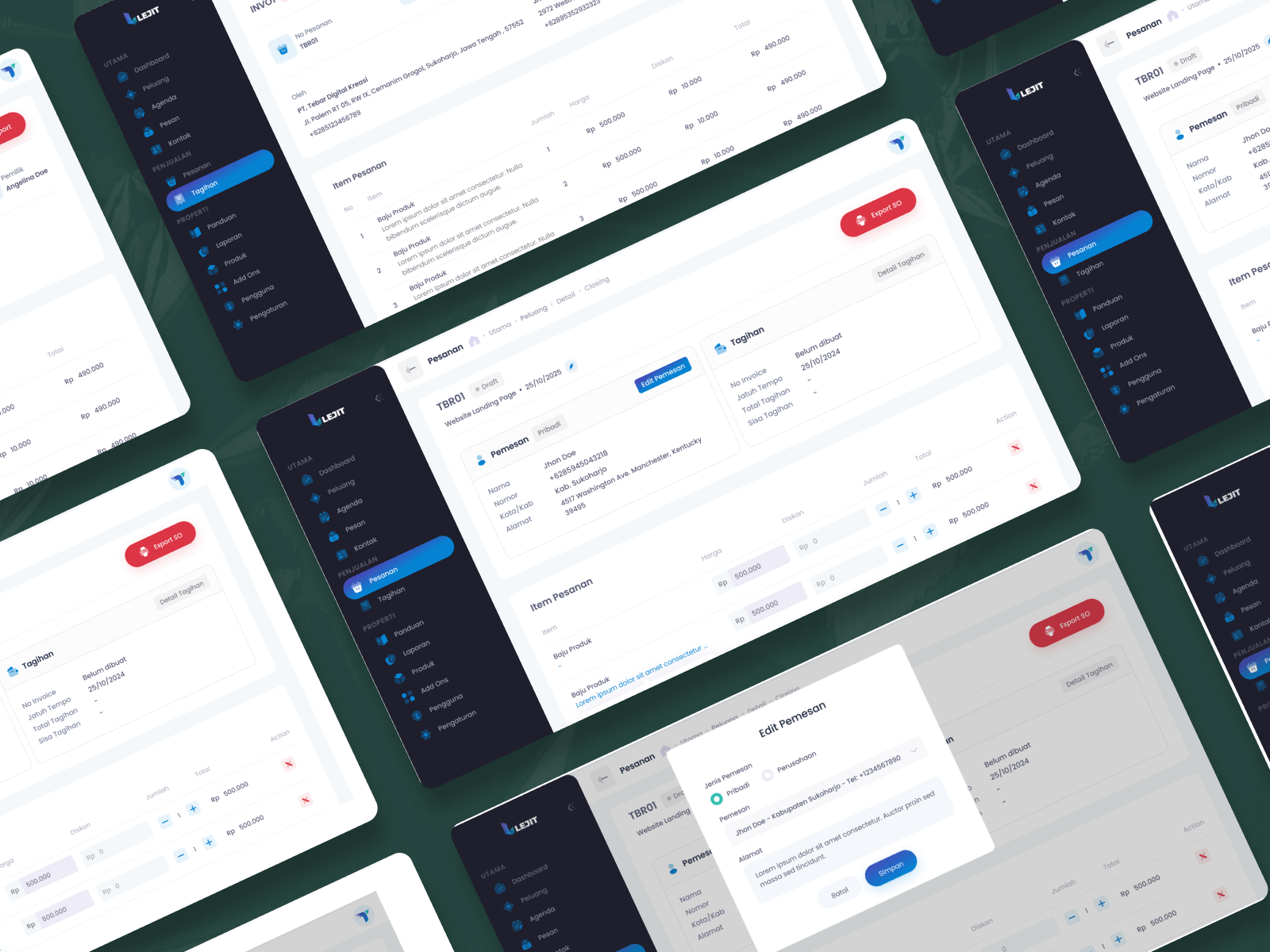
Key contributions included refining existing interfaces and introducing new modules and features such as a centralized dashboard, PDF invoice generation, order detail pages, and add-ons management pages. I also applied UI adjustments across all pages to ensure visual consistency, improved usability, and alignment with updated requirements.

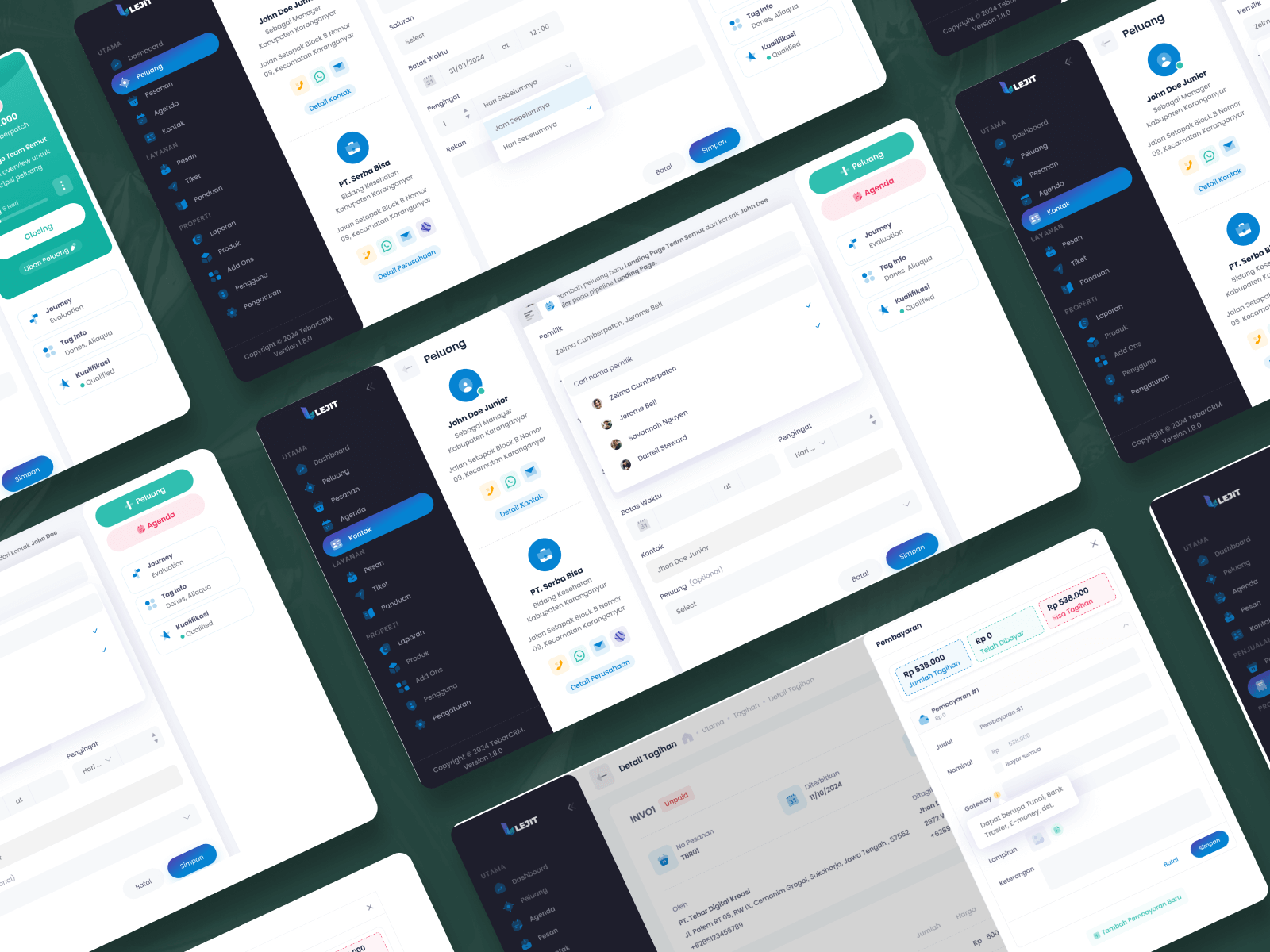
Additional improvements involved enhancing the Opportunities (Peluang) module by adding an Agenda feature, refining the Agenda page with detailed information, and updating the Contacts page by introducing agenda indicators to provide clearer activity context. Various other interface and interaction improvements were also implemented to optimize user flows and overall user experience.

Overall, these design adjustments and feature enhancements improved system clarity, streamlined workflows, and ensured the application design was aligned with business requirements and ready for development.

03 - The Process
001
Discovery & Research

Based on the acceptance requirements provided by the business analyst, I conducted research to understand business goals, user needs, and system constraints. This research became the foundation for defining features, user flows, and design decisions to support the development of the application.
002
Design & Prototyping

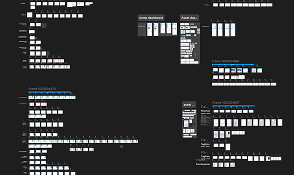
Based on research findings, user interfaces were designed to address user needs and business requirements. Interactive prototypes were created to visualize user flows, validate features, and test usability, ensuring the design was ready for development and aligned with project goals.
003
Development & Launch

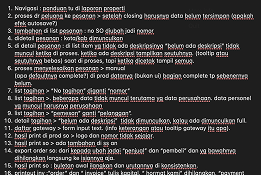
After the initial development and launch, further improvements were made to address bugs, refine features, and enhance system stability based on testing and user feedback, ensuring the application met quality and performance standards.