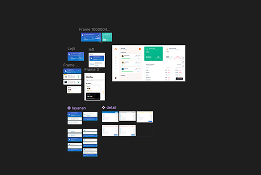
Konvexa Member Page
Web-based App
Client
Tebar Digital Product
Date
2024
Role
UI/UX
01 - BACKGROUND
Centralized access to billing and service management in one member dashboard.
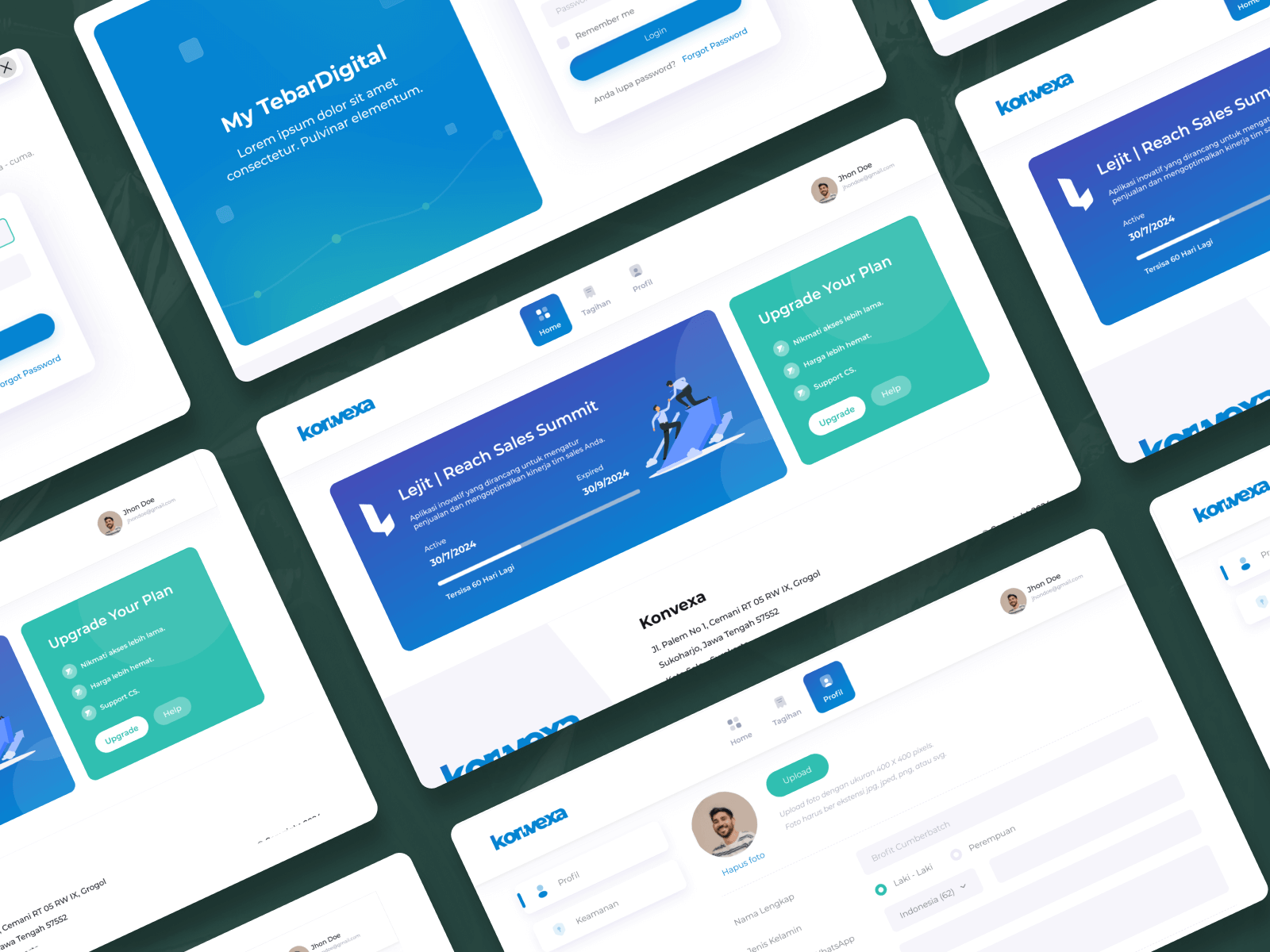
Konvexa Member Page is a member portal designed to provide customers of Tebar Digital products with centralized access to their service information. The platform focuses on improving transparency, convenience, and self-service capabilities by allowing customers to manage their subscriptions in a single, structured interface.
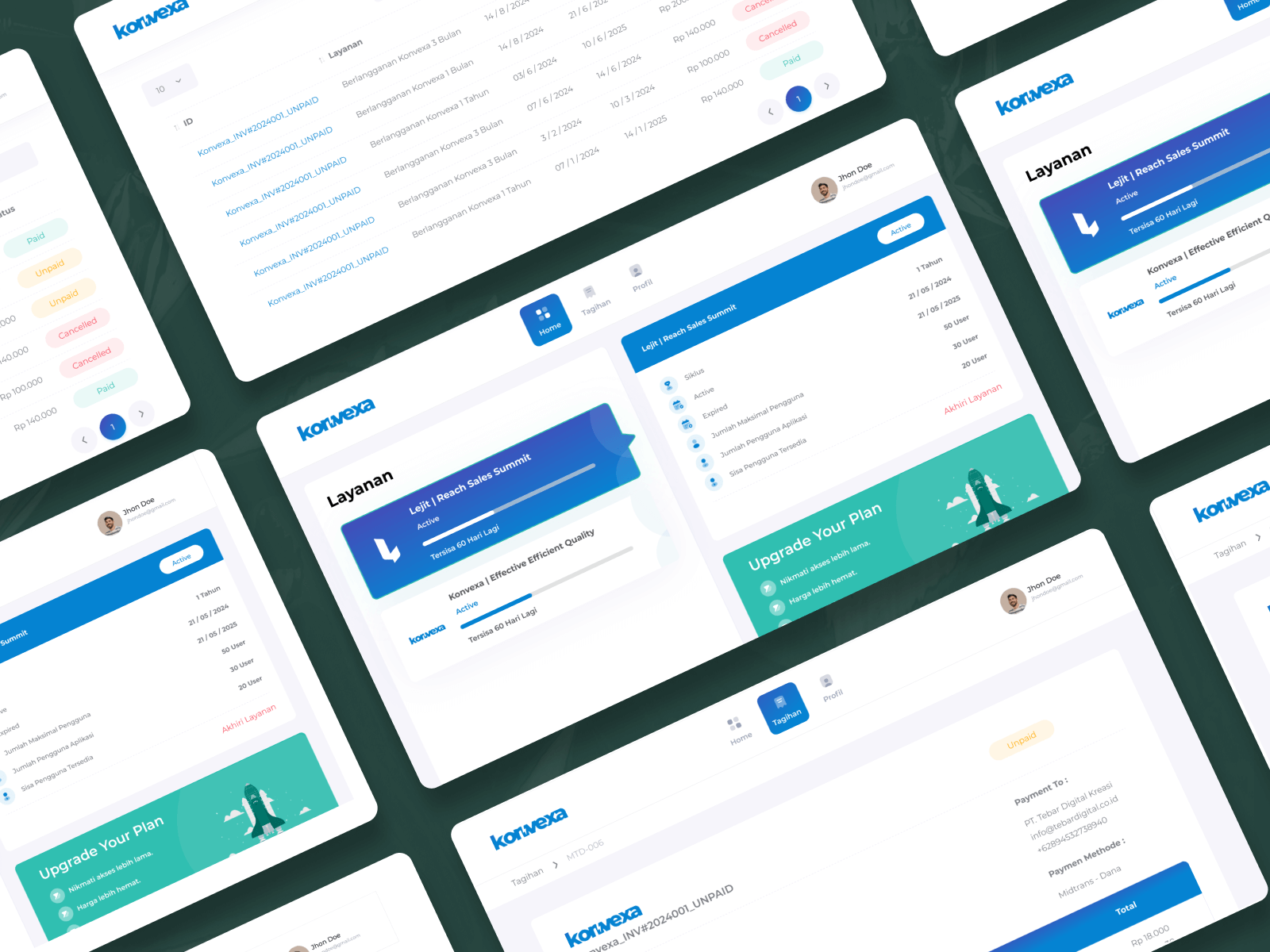
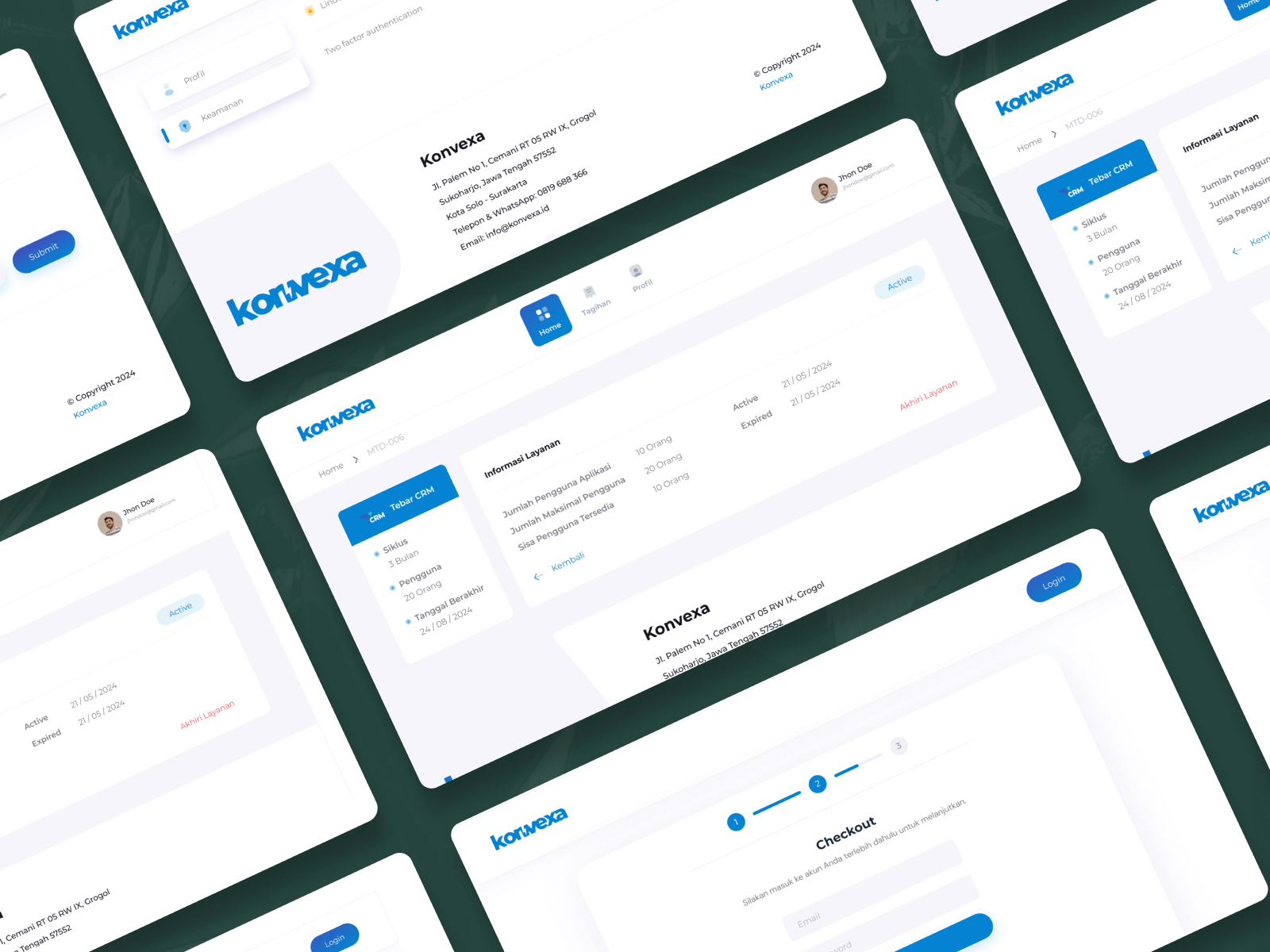
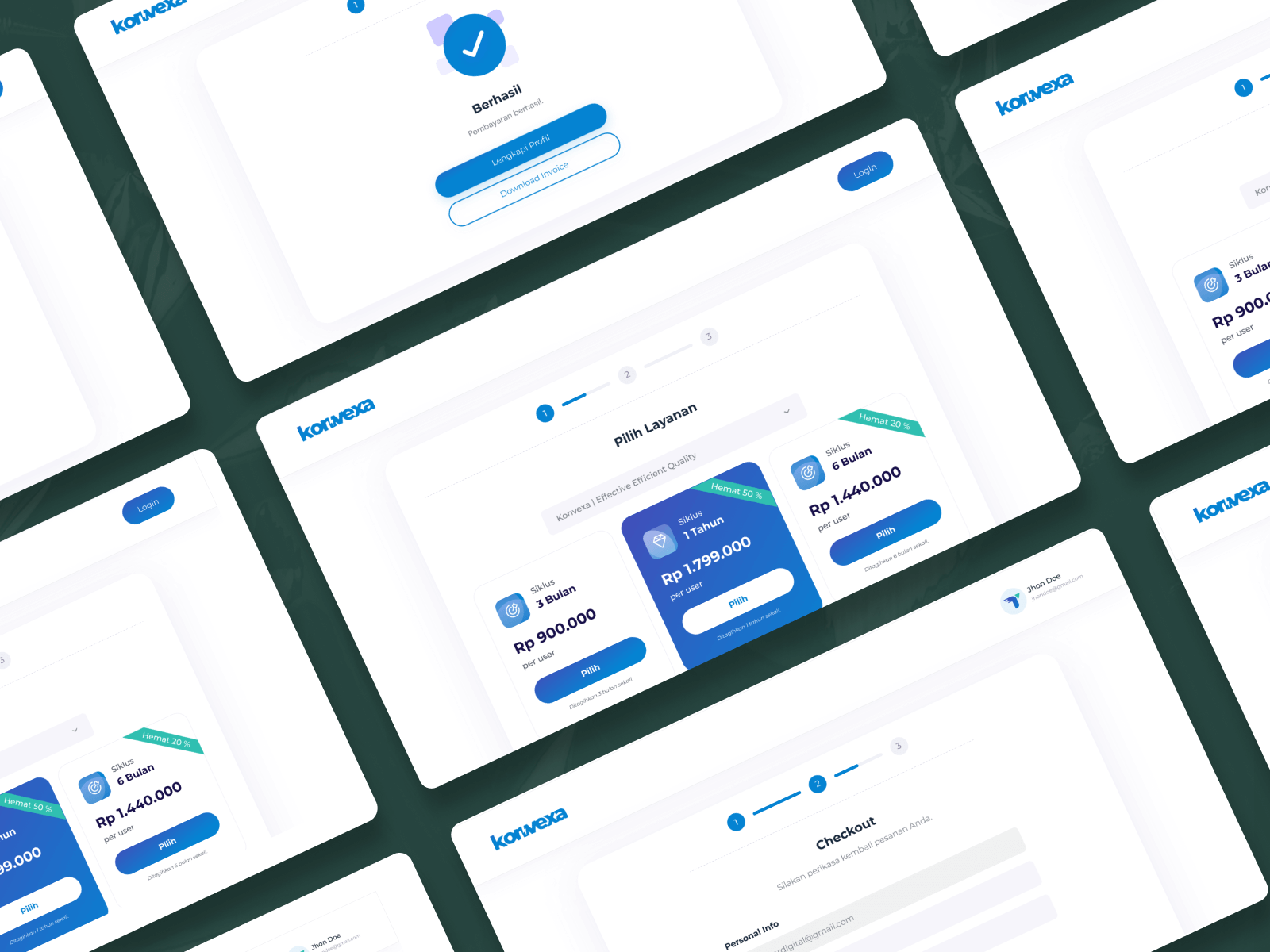
To support customer account management, Konvexa Member Page offers a web-based interface where users can view billing details, monitor subscription status, and manage active services. The platform enables customers to review invoices, track payment information, and switch or upgrade services according to their needs.
Through the Konvexa Member Page dashboard, customers gain clear visibility into their usage and billing history while maintaining control over their subscribed services. This member portal enhances customer experience, reduces manual support dependency, and provides a streamlined way to manage Tebar Digital services efficiently.
02 - THE BRIEF
Designing a centralized member interface that simplifies service selection, billing visibility, and account management.
Problem
Customers needed a centralized and easy-to-use platform to manage their services, monitor billing information, and access transaction details. Previously, service selection, invoice tracking, and account management were fragmented, making it difficult for users to gain clear visibility into their subscriptions and financial records.
Solution
To address this challenge, I designed a web-based Member Page that consolidates all customer-related activities into a single platform. The solution includes a Dashboard that provides an overview of active services, a Services page for browsing and ordering available offerings, and a Billing & Transactions page where users can view detailed transaction histories and download invoices. Additionally, a Profile page allows users to manage their account information and update passwords securely.
This solution improves transparency, enhances self-service capabilities, and simplifies service and billing management, resulting in a more efficient and user-friendly experience for customers.
03 - The Process
001

Discovery & Research
Based on the acceptance requirements provided by the business analyst, I conducted research to understand business goals, user needs, and system constraints. This research became the foundation for defining features, user flows, and design decisions to support the development of the application.
002

Design & Prototyping
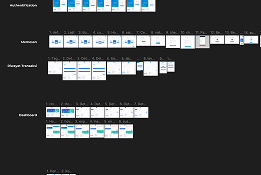
Based on research findings, user interfaces were designed to address user needs and business requirements. Interactive prototypes were created to visualize user flows, validate features, and test usability, ensuring the design was ready for development and aligned with project goals.
003

Development & Launch
After the initial development and launch, further improvements were made to address bugs, refine features, and enhance system stability based on testing and user feedback, ensuring the application met quality and performance standards.